Yay! You’ve been invited to a Hydro Coach Team!
Track your drinks, motivate each other and make reaching your daily hydration goal a little more fun together.
Someone wants to stay hydrated with you. 💙
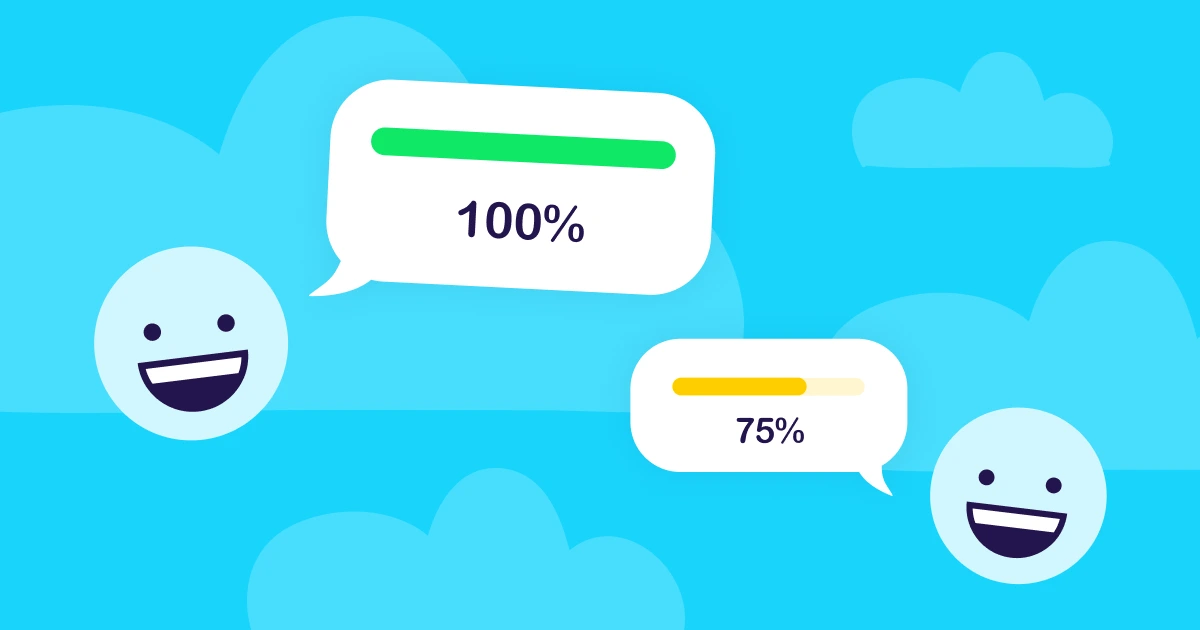
Hydration is better together
Motivate each other 🙌
Work towards your goals 🎯
Build a healthy habit together 💙
Joining on Android
If Hydro Coach is not installed on your phone yet, follow the steps below. Your invitation link will connect you with the team you were invited to. Already have Hydro Coach? Make sure your Team profile is set up, then open your invitation link again.
Step 1 — Get Hydro Coach
Install the Hydro Coach app from Google Play here.
Step 2 — Complete the setup
After installing the app, open Hydro Coach and complete the initial setup.
Step 3 — Setup your team
In Hydro Coach, open Team from the menu and enter the name you’d like your teammates to see.
Step 4 — Join your Team
Return to the invitation link that brought you to this page and tap it again. Hydro Coach will open and take you directly to your Team invitation.
Using an iPhone?
Teams are not on iOS — yet
We’re really happy that someone invited you to join their Hydro Coach Team. Unfortunately, the Team feature is currently only available on Android and hasn’t made its way into our iPhone app yet.
Hydro Coach is built by the two of us — a small indie app duo from Vienna — so we can’t always bring every new feature to Android and iOS at the same time.
But Teams are already high up on our iOS to-do list. 💧
Want Teams on iPhone too?
If this is a feature you’d really love to have, send us an email and let us know. We genuinely read your messages, and knowing which features our users are waiting for helps us decide what to work on next.
There’s still plenty of motivation waiting for you on iPhone
While you can’t join a Team just yet, Hydro Coach for iOS already includes several fun ways to keep yourself motivated:
- Achievements to celebrate your hydration progress
- Apple Game Center leaderboards to compare your progress with others
- Seasonal in-app events with special themes, reminder sounds and app icons
- Personalized hydration goals and progress tracking
- Drink reminders to help you stay consistent
- Apple Health integration
- Widgets and quick ways to track your drinks
Download Hydro Coach on the Apple App Store here